Certificate verification
Check that a Noders certificate is real.
Enter the code printed at the top of the certificate. You’ll see who it was issued to, for what, and the original file.
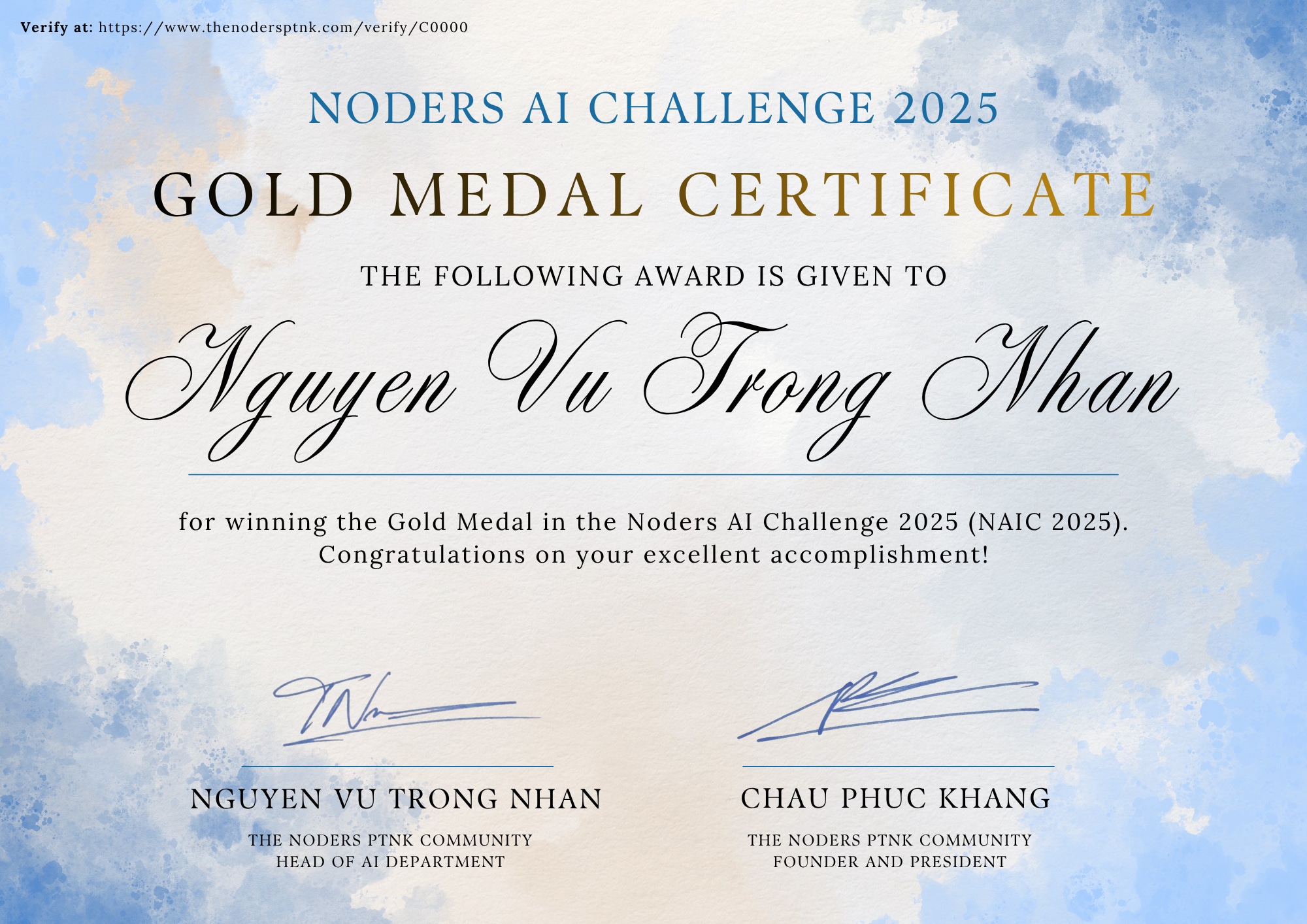
Where to find the code
Every certificate carries a line in its top-left corner: Verify at: thenodersptnk.com/verify/C0003. The code is the part after /verify/ — a letter C followed by four digits.
Scanning or opening that link takes you straight to the result.
What a verified result tells you
Who it belongs to
The member’s name, linked to their public profile and the work behind the award.
What it’s for, and when
The award, the programme it came from and the date it was issued.
The original file
The exact certificate we issued, so you can compare it with the copy you were given.
32 certificates issued since Apr 2026. Questions about a certificate? Contact us.